Experience the day‑to‑day of an engineering team.
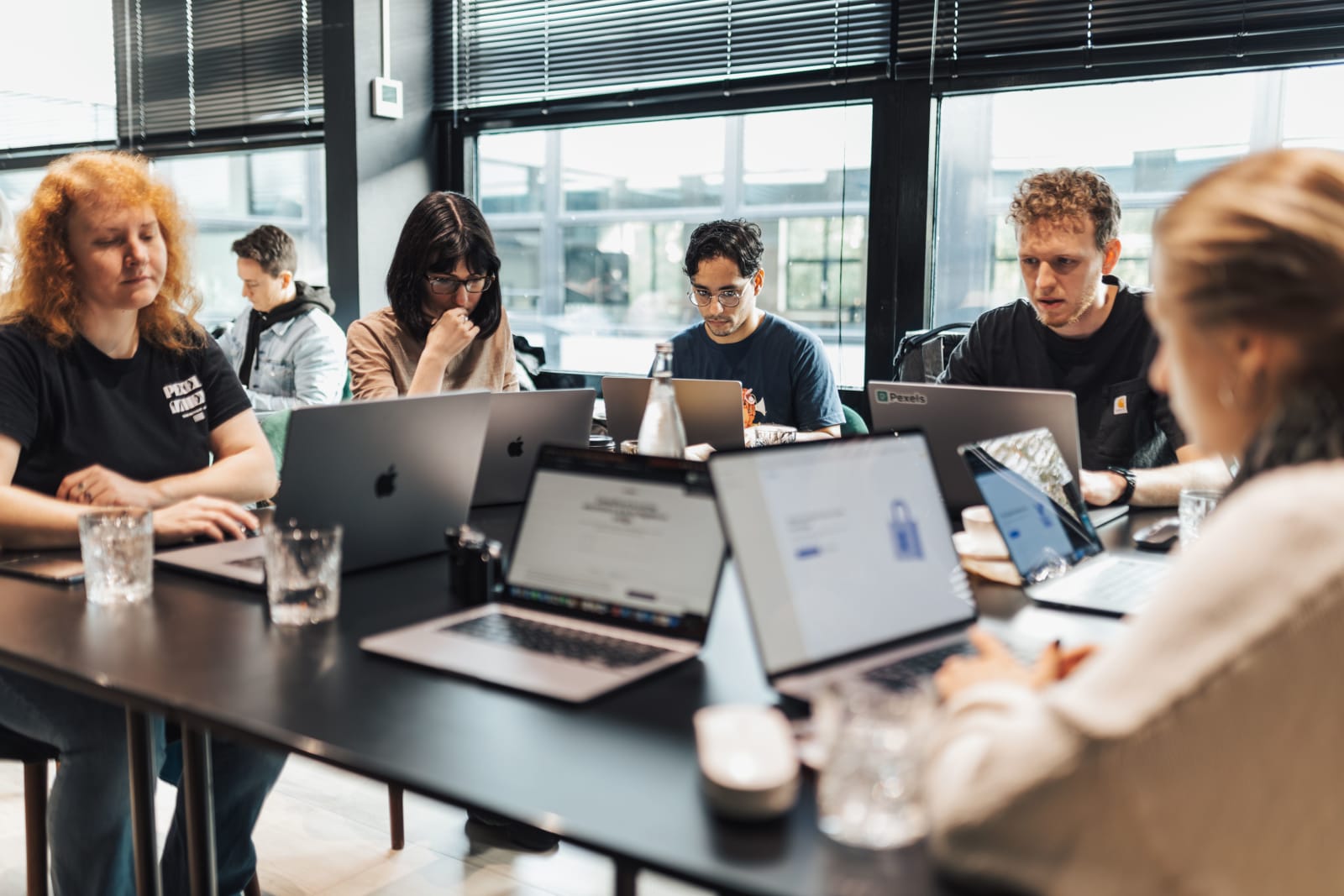
Pick up tickets, review each other's pull requests, ship together, and practice how to operate inside an engineering team.
.webp)
.webp)

%20by%20%E2%80%9EDiceBear%E2%80%9D%2C%20licensed%20under%20%E2%80%9ECC0%201.0%E2%80%9D%20(https%3A%2F%2Fcreativecommons.org%2Fpublicdomain%2Fzero%2F1.0%2F)%3C%2Fdc%3Arights%3E%3C%2Frdf%3ADescription%3E%3C%2Frdf%3ARDF%3E%3C%2Fmetadata%3E%3Cmask%20id%3D%22viewboxMask%22%3E%3Crect%20width%3D%225%22%20height%3D%225%22%20rx%3D%220%22%20ry%3D%220%22%20x%3D%220%22%20y%3D%220%22%20fill%3D%22%23fff%22%20%2F%3E%3C%2Fmask%3E%3Cg%20mask%3D%22url(%23viewboxMask)%22%3E%3Crect%20fill%3D%22%23d9e2f3%22%20width%3D%225%22%20height%3D%225%22%20x%3D%220%22%20y%3D%220%22%20%2F%3E%3Cpath%20d%3D%22M2%200H1v1h1V0ZM4%200H3v1h1V0Z%22%20fill%3D%22%235e35b1%22%2F%3E%3Cpath%20d%3D%22M2%201H1v1h1V1ZM4%201H3v1h1V1Z%22%20fill%3D%22%235e35b1%22%2F%3E%3Cpath%20fill%3D%22%235e35b1%22%20d%3D%22M2%202h1v1H2z%22%2F%3E%3Cpath%20fill%3D%22%235e35b1%22%20d%3D%22M2%203h1v1H2z%22%2F%3E%3Cpath%20d%3D%22M1%204H0v1h1V4ZM5%204H4v1h1V4Z%22%20fill%3D%22%235e35b1%22%2F%3E%3C%2Fg%3E%3C%2Fsvg%3E) @sara.ferroYou
@sara.ferroYou%20by%20%E2%80%9EDiceBear%E2%80%9D%2C%20licensed%20under%20%E2%80%9ECC0%201.0%E2%80%9D%20(https%3A%2F%2Fcreativecommons.org%2Fpublicdomain%2Fzero%2F1.0%2F)%3C%2Fdc%3Arights%3E%3C%2Frdf%3ADescription%3E%3C%2Frdf%3ARDF%3E%3C%2Fmetadata%3E%3Cmask%20id%3D%22viewboxMask%22%3E%3Crect%20width%3D%225%22%20height%3D%225%22%20rx%3D%220%22%20ry%3D%220%22%20x%3D%220%22%20y%3D%220%22%20fill%3D%22%23fff%22%20%2F%3E%3C%2Fmask%3E%3Cg%20mask%3D%22url(%23viewboxMask)%22%3E%3Crect%20fill%3D%22%23d3ecd9%22%20width%3D%225%22%20height%3D%225%22%20x%3D%220%22%20y%3D%220%22%20%2F%3E%3Cpath%20fill%3D%22%231e88e5%22%20d%3D%22M0%200h5v1H0z%22%2F%3E%3Cpath%20d%3D%22M2%201H0v1h2V1ZM5%201H3v1h2V1Z%22%20fill%3D%22%231e88e5%22%2F%3E%3Cpath%20fill%3D%22%231e88e5%22%20d%3D%22M2%202h1v1H2z%22%2F%3E%3Cpath%20fill%3D%22%231e88e5%22%20d%3D%22M1%203h3v1H1z%22%2F%3E%3Cpath%20d%3D%22M0%204h1v1H0V4ZM4%204h1v1H4V4ZM3%204H2v1h1V4Z%22%20fill%3D%22%231e88e5%22%2F%3E%3C%2Fg%3E%3C%2Fsvg%3E) @l.kovacReviewing
@l.kovacReviewing%20by%20%E2%80%9EDiceBear%E2%80%9D%2C%20licensed%20under%20%E2%80%9ECC0%201.0%E2%80%9D%20(https%3A%2F%2Fcreativecommons.org%2Fpublicdomain%2Fzero%2F1.0%2F)%3C%2Fdc%3Arights%3E%3C%2Frdf%3ADescription%3E%3C%2Frdf%3ARDF%3E%3C%2Fmetadata%3E%3Cmask%20id%3D%22viewboxMask%22%3E%3Crect%20width%3D%225%22%20height%3D%225%22%20rx%3D%220%22%20ry%3D%220%22%20x%3D%220%22%20y%3D%220%22%20fill%3D%22%23fff%22%20%2F%3E%3C%2Fmask%3E%3Cg%20mask%3D%22url(%23viewboxMask)%22%3E%3Crect%20fill%3D%22%23d3ecd9%22%20width%3D%225%22%20height%3D%225%22%20x%3D%220%22%20y%3D%220%22%20%2F%3E%3Cpath%20d%3D%22M2%200H0v1h2V0ZM5%200H3v1h2V0Z%22%20fill%3D%22%2343a047%22%2F%3E%3Cpath%20d%3D%22M2%201H1v1h1V1ZM4%201H3v1h1V1Z%22%20fill%3D%22%2343a047%22%2F%3E%3Cpath%20d%3D%22M2%202H0v1h2V2ZM5%202H3v1h2V2Z%22%20fill%3D%22%2343a047%22%2F%3E%3Cpath%20d%3D%22M2%203H1v1h1V3ZM4%203H3v1h1V3Z%22%20fill%3D%22%2343a047%22%2F%3E%3Cpath%20d%3D%22M2%204H0v1h2V4ZM5%204H3v1h2V4Z%22%20fill%3D%22%2343a047%22%2F%3E%3C%2Fg%3E%3C%2Fsvg%3E) @tomas.okaforOnline
@tomas.okaforOnlineOur approach
An early-stage engineering team simulator giving aspiring developers an honest shot at a tech career.
The work is the only preparation that counts so we take a different approach by dropping aspiring developers straight into an browser-based engineering environment.
A fully featured development environment in the browser.
No node version mismatches to fight. A fully ready workspace with simulated tools like GitHub and Jira, built to prepare for the job.
Providing experience you can't get without a job.
The work is the only preparation that counts, that's why we drop learners straight into a working engineering environment.
Collaborate, review pull requests, and ship together.
Real engineering is collaboration, so learners review each other's work, work through sprints and ship togeter.
Turn a codebase into sprints you can rebuild, feature by feature.
A codebase becomes a learning experience, broken down into features and tickets, whether it's your own project or a training program's.
Environment
One environment, with everything needed to build, review, ship and safely gain engineering experience.
 fleet-uiPrivate
Choose your modules.
Turn on only the modules needed.
Real tools rebuilt for practice within a safe environment.
Every workspace ships with a code editor, a terminal, and a browser preview by default. Optional modules like GitHub, Jira, Slack and Outlook can be added on top to strengthen the engineering team experience.
- A fully isolated sandbox per learner
- Pre-installed, browser-based, no local setup
- Real-world tools simulated down to the detail
- Optional modules to shape the team experience
Who it's for
One workspace, built for individual learners, schools, and career accelerators training the next generation of developers.
Practice working inside a functional engineering team.
Pick up tickets, review each other's pull requests, and ship together, the same way you would on the job.
Give every student the same safe sandbox to learn in.
No setup days, no support tickets about broken installs. Every student opens an identical, pre-installed, isolated workspace.

Learn by rebuilding
Turn a codebase into sprints and rebuild it feature by feature, alone or in a team, inside an isolated workspace.

 Fleet Travel Team
 Issue #2Issue #3Issue #4Issue #5Issue #1
A sprint from a codebase in 3 steps.
Choose a codebase, pick the features to build, and invite your team.
Get comfortable with complex codebases by rebuilding them.
Rebuilding a codebase feature by feature shows you the structure and patterns behind it. Each part you bring back is one you understand, and you see how it all connects into a full app.
- Rebuild codebase feature by feature
- Take on the sprint solo or in a team
- Work inside your own isolated workspace
Give it a shot before you commit to anything.
Open a free workspace and see what it feels like to work a real ticket, no signup required to look around.
Start a free workspace